AI for All Workshop: Master Google NotebookLM for Beginners 2026Skip to content
Recorded Workshop • AI Education • Google NotebookLM
AI for All Workshop: Master Google NotebookLM
from Beginner to Pro
Watch the recorded workshop with Joshua T. Berglan and Ngum Dieudonne and learn how to turn your own sources into slides, reports, podcasts, videos, mind maps, Q&A, data tables, and practical AI workflows.
Recorded June 20, 2026Google Meet WorkshopHosted by Joshua T. BerglanPresented by Ngum Dieudonne
Watch the Recorded Workshop
This workshop is a practical introduction to using AI as a tool for learning, creating, organizing, researching, studying, and working smarter. The central focus is Google NotebookLM, a source-based AI workspace that can help users transform their own documents, notes, links, videos, and research materials into useful outputs.
Workshop Overview
AI for All
was created for people who know AI matters but need a simple, practical, human-centered way to begin. Instead of treating artificial intelligence as something distant, complicated, or reserved for experts, this workshop makes AI useful for everyday life, education, business, creativity, and professional growth.
Joshua T. Berglan opens the workshop by celebrating the global learning community represented on the call, including participants connected across Cameroon, Rwanda, Nigeria, the United Kingdom, Germany, Mexico, the United States, and beyond. He then introduces Ngum Dieudonne as a brilliant AI educator, ML engineering student, and builder of real-world AI learning systems.
Ngum leads the training by showing how Google NotebookLM can help users move from simply “testing” AI to actually using it as a serious productivity, learning, and creation tool.
“AI is not just the future. It is a tool for today. Learn it. Use it. Own your voice.”
Key Takeaways
Google NotebookLM works from your own sources, not random internet answers.
You can create slides, reports, podcasts, videos, mind maps, Q&A, and data tables.
Students, educators, creators, professionals, and entrepreneurs can all use it.
AI should be used responsibly with privacy, ownership, and human review in mind.
What Is Google NotebookLM?
Google NotebookLM is a source-based AI workspace. In the workshop, Ngum explains that a “source” can be a PDF, Google Doc, slide deck, website link, YouTube video, text note, academic material, business document, or any other learning or working material the user adds.
The important difference is that NotebookLM answers from the sources you provide. That makes it especially valuable for students, educators, researchers, business owners, creators, consultants, and professionals who need to organize knowledge, produce content, study material, or generate reports from trusted documents.
Sources:
PDFs, documents, notes, websites, YouTube videos, and research material.
Chat:
Ask questions directly from your own uploaded or linked material.
Studio:
Generate slides, reports, podcasts, videos, mind maps, Q&A, and data tables.
Citations:
Trace answers back to source material for research and verification.
What You Will Learn
This recorded training walks through the practical side of NotebookLM and AI productivity. The goal is not just to talk about AI, but to help learners understand how to use it in real situations.
Create slides
from documents, websites, or notes.
Generate reports
from research or business material.
Build podcasts
from your uploaded sources.
Create videos
and explainers from AI-generated outputs.
Use mind maps
to understand complex ideas.
Generate Q&A
and quizzes for studying.
Produce data tables
from structured information.
Apply AI responsibly
with privacy and human review.
Video Chapters and Timestamps
Use these timestamps to jump through the recorded session and find the topics most useful to you.
Welcome, introductions, and global participants
Joshua introduces the AI for All Workshop
Why Cameroonian learners and builders inspire this work
Joshua introduces Ngum Dieudonne
Ngum’s background in machine learning and education
Why learning AI is necessary now
Ngum’s work with Zipline and NEST AI Learning Platform
Introduction to Google NotebookLM
How to access NotebookLM and sign in
NotebookLM interface: sources, chat, and studio
What “sources” mean inside NotebookLM
Uploading PDFs, documents, links, YouTube videos, and notes
Using web search to bring sources into NotebookLM
Asking questions from your selected sources
Adding your own text as a source
Generating slides from your sources
How long slide generation takes
Examples of NotebookLM-generated notes and presentations
Downloading slides as PDF or PowerPoint
How NotebookLM differs from normal chatbots
Source-based answers vs. random AI answers
Source limits, citations, and research use cases
Generating useful content from your sources
Creating AI-generated podcasts from documents
Using mind maps to understand big ideas
Who can use NotebookLM: students, teachers, researchers, creators
Q&A begins
Limitations, cautions, and privacy concerns
Daily generation limits and video questions
Can NotebookLM design logos?
Examples of AI-generated videos
Using NotebookLM to create news summaries, podcasts, and videos
Example: AI-generated slide deck on coding laptops
Visual quality and structure of NotebookLM slides
Can you edit generated slides?
Generating reports inside NotebookLM
Example of a NotebookLM-generated report
Creating a podcast debate from sources
How to make money using AI-generated content
Generating data tables from sources
Comparing NotebookLM podcasts to other AI podcast tools
Playing an AI-generated podcast example
Playing an AI-generated video example
How AI can help different professions
Using NotebookLM like a personal knowledge assistant
AI agents, email automation, and human review
Using AI tools after the training
How AI can help people make money
AI for project writing and design
Using AI for studies and quizzes
Do you need a laptop to use AI?
How AI can help singers and creatives
AI for oil and gas students
Final advice, next steps, and closing remarks
Practical AI Use Cases Covered in the Workshop
For Students
Students can upload notes, PDFs, textbooks, or study materials and ask NotebookLM to summarize concepts, create quizzes, explain formulas, generate study guides, and help them prepare for exams.
For Teachers and Educators
Educators can use NotebookLM to build slides, lesson notes, teaching materials, Q&A documents, and simplified explanations from trusted source material.
For Professionals and Businesses
Professionals can use AI to generate reports, organize documents, create presentations, summarize meetings, prepare briefing documents, and make decision-making faster without losing the need for human review.
For Creators and Entrepreneurs
Creators can turn source material into content assets, podcasts, videos, blog ideas, social posts, and educational media. Entrepreneurs can use AI to clarify offers, organize business ideas, map problems, and build content faster.
For Accountants, Oil and Gas Students, and Specialized Fields
The workshop also explores how AI can support accounting reports, data analysis, technical study, oil and gas formulas, industry trends, and professional research.
Important AI Cautions
The workshop makes it clear that AI should be used responsibly. Users should avoid uploading sensitive, confidential, restricted, legal, private, or proprietary information unless they own the material, have permission to use it, and understand the platform’s data policies.
AI can accelerate work, but it should not remove human judgment. For emails, reports, publishing, financial decisions, legal material, business documents, or academic work, human review matters.
Frequently Asked Questions
What is this recorded workshop about?
This recorded workshop teaches practical AI skills with a focus on Google NotebookLM. It shows how to use your own sources to create slides, reports, podcasts, videos, mind maps, Q&A, data tables, and study materials.
Who teaches the workshop?
The workshop is hosted by Joshua T. Berglan and led by Ngum Dieudonne, an AI engineer, ML engineering student, AI educator, and founder of the NEST AI Learning Platform.
What is the biggest benefit of NotebookLM?
NotebookLM works from the sources you provide. This makes it useful for learning, research, studying, reporting, and creating content from trusted information instead of relying only on general chatbot responses.
Can I use NotebookLM on a phone?
Yes. The workshop explains that while a laptop can be helpful, users can also access AI tools through a phone, making the training useful even for people with limited equipment.
Can AI help me make money?
The workshop explains that AI can support income generation by helping people create content, reports, presentations, data tables, business materials, study assets, and productivity systems. The key is learning how to use AI tools practically and responsibly.
Transcript-Based Summary
The AI for All Workshop begins with a warm welcome from Joshua T. Berglan as participants join from several countries and regions. Joshua introduces the session as a practical AI training experience and explains why he asked Ngum Dieudonne to lead. He highlights Ngum’s teaching ability, intelligence, and commitment to helping people understand AI in a way that can be applied immediately.
Ngum begins by sharing his background as an ML engineering student, educator, and builder. He explains that the world is moving rapidly toward AI and that learners should not simply watch from the sidelines. Instead, they should understand how to make AI part of their work, studies, creativity, and future opportunities.
The main demonstration focuses on Google NotebookLM. Ngum shows how users can create a new notebook, add sources, chat with those sources, and use the studio tools to generate outputs. He explains that sources can include PDFs, text, Google Docs, websites, YouTube links, and other learning materials.
One of the most important lessons is the difference between NotebookLM and a normal chatbot. A normal chatbot may generate broad answers from general information, while NotebookLM works from the specific source material added by the user. This makes it useful for students, researchers, educators, professionals, and anyone who needs more grounded answers.
The workshop then demonstrates slide generation, report creation, podcast generation, video examples, data tables, mind maps, and professional use cases. Ngum shows that AI can quickly produce structured material that would normally take hours or days to prepare manually.
During the Q&A, participants ask about limitations, daily generation limits, privacy concerns, logo design, AI videos, podcast quality, professional use cases, studying, using AI without a laptop, music, accounting, oil and gas studies, and making AI profitable.
The workshop closes with encouragement for participants to keep learning, keep asking questions, and continue applying AI based on their profession, passion, and goals.
Learn. Connect. Grow.
This recorded workshop is part of a larger mission to make practical media, AI, and digital education accessible to people who are ready to build, create, and own their voice.
Who controls the CFA franc in Cameroon? BEAC, the French Treasury account, France’s two board seats, the euro peg — and what the 50% rule really means.
Declassified US and British records on Kwame Nkrumah’s 1966 overthrow: the psychological-warfare plan, the plotters, the aid — and what they don’t prove.
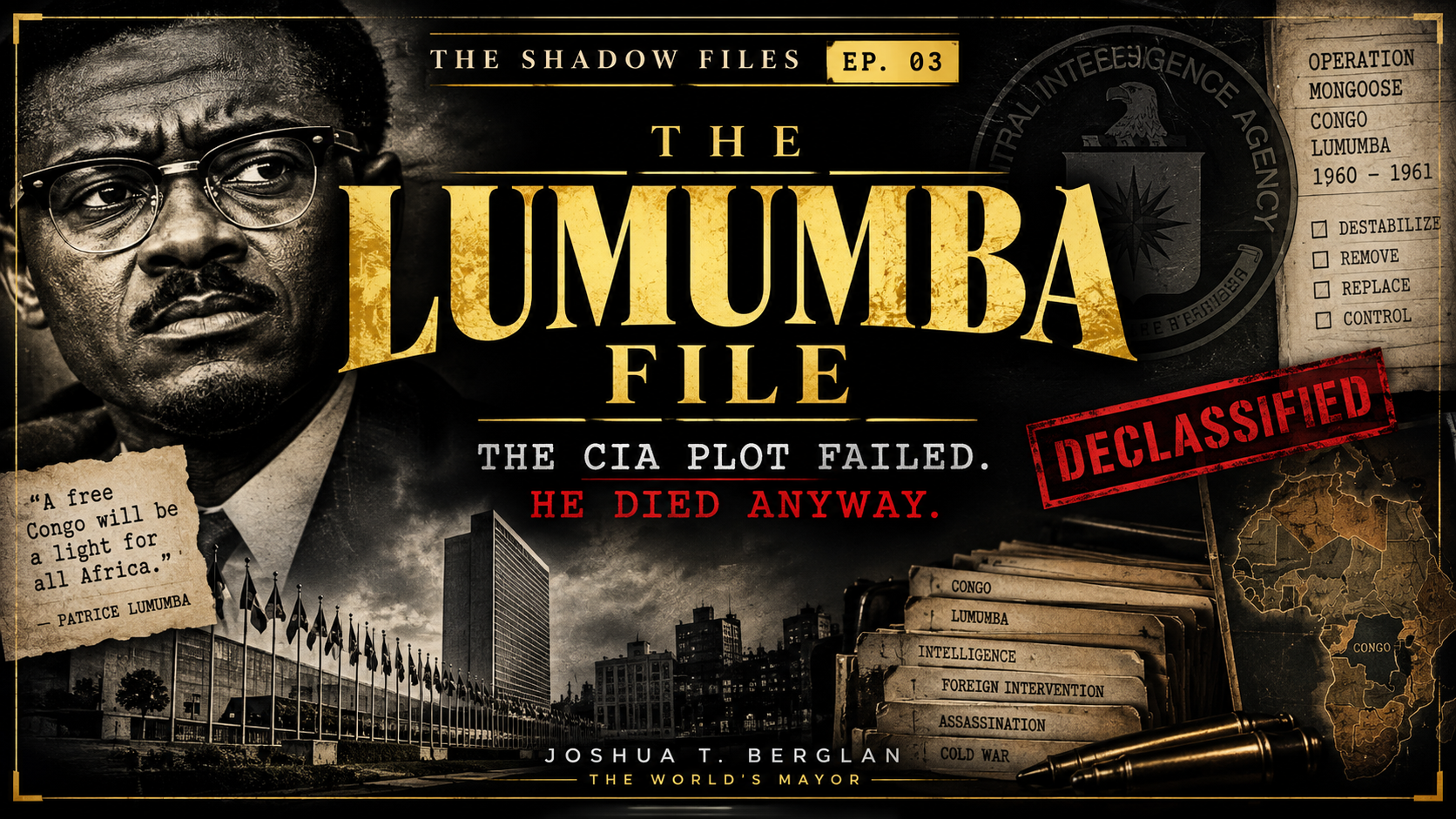
What really happened to Patrice Lumumba? The documented CIA plot, Belgium's own findings, Katanga's uranium, and the MI6 question that is still unresolved.
A $289 million average annual gap sits between what Cameroon reports exporting in timber and what its partners report importing. Episode 1 of The Shadow Files.
Aid asks what we gave. Architecture asks what remained. Joshua T. Berglan on ownership, value chains, and building systems that let Africa keep its value.